One track in.Every part out.
Turn any track into MIDI, part by part. Split stems, take out the vocals and make a backing track, from one audio file.
Turn any track into MIDI, part by part. Split stems, take out the vocals and make a backing track, from one audio file.
A finished song, taken apart. Mute or solo any part, and hear the MIDI Midium wrote.
3 finished songs, split into their parts. Pick one, then mute or solo anything.
Bedrooms, studios, classrooms and stages. One track in, the part you need out.


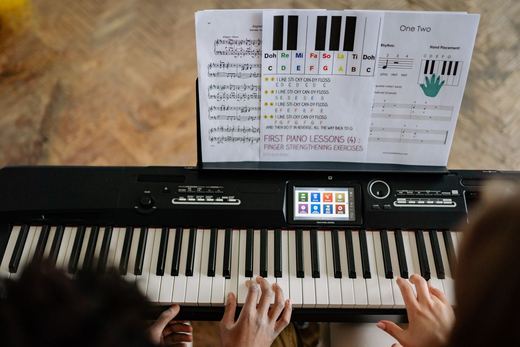






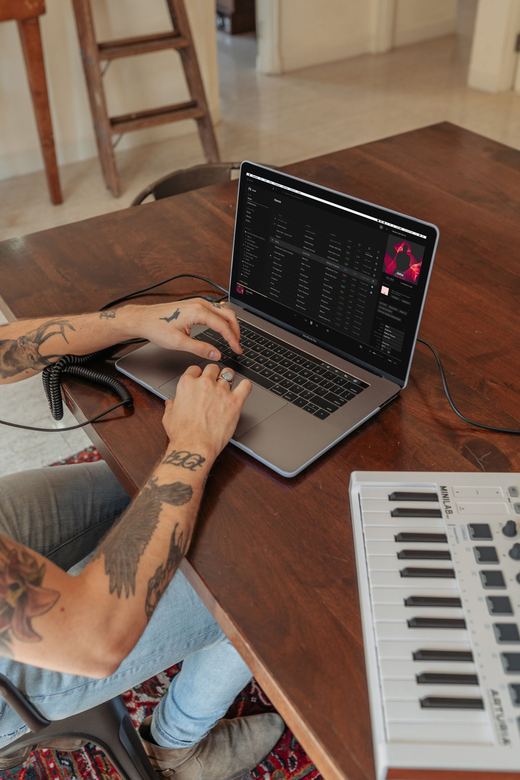

Choose what you need. Every result comes from the same upload, named and in time.
The same three steps as the card at the top of the page.
A full song with several instruments, or one instrument on its own.
Upload a file: MP3, WAV, FLAC, AIFF or M4A.
Download what you need, one part or all of them at once.
The same tool, a different first step. New to music software or working pro, it starts with one track.

Midium inside your DAW is on its way. Today, the MIDI and MP3 files open everywhere you already work.
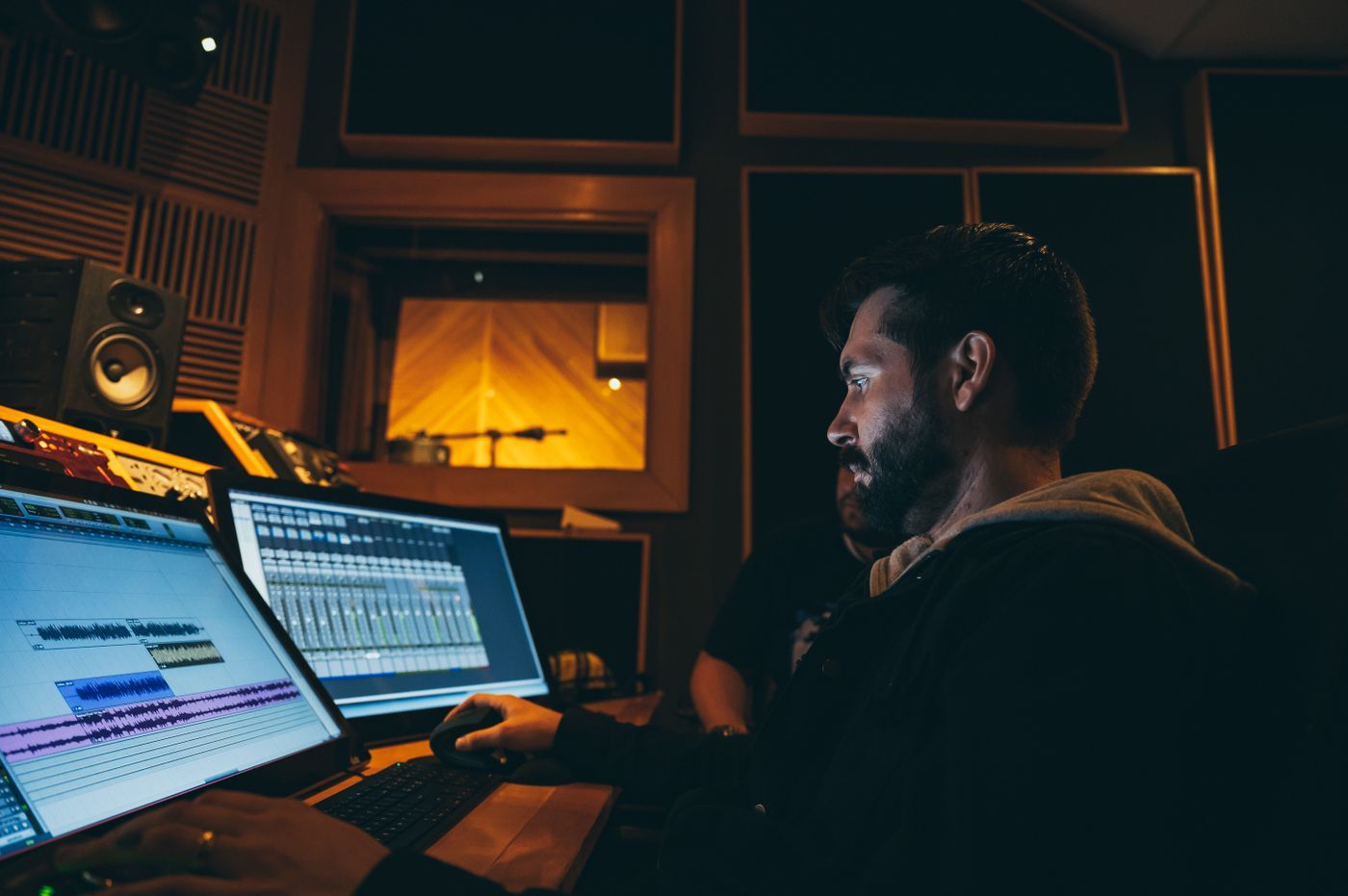
Every part arrives named and in time from bar 1. Drop the MIDI on a track and pick your own sound.
Honest advice from how the separation works. Simple habits, better notes.
 01Start from the best file you haveA WAV or a good MP3 splits cleaner than a recording made on a phone in the room.02Solo instrument? Choose One instrumentIt goes straight to MIDI, with nothing else in the way.03Busy mixes work. Simple ones work bestFewer instruments playing at once give cleaner, more readable notes.04Listen before you downloadOpen the editor, solo a part and hear its MIDI next to the audio.
An audio file: MP3, WAV, FLAC, AIFF, M4A or OGG. WAV, FLAC and AIFF work best.
Full mix is for a finished song with several instruments: it is split into five parts first (drums, bass, piano, vocals and the rest), then the drums, bass and piano become MIDI. One instrument is for a solo recording of drums, bass or piano, and goes straight to MIDI.
MIDI files open in any DAW and notation app, including Logic Pro, Ableton Live, FL Studio, GarageBand, MuseScore and Sibelius. Stems are MP3 files.
Yes. Open a part as notation and print it, or download it as MusicXML to edit in your notation app.
No. Everything runs in the browser, on a computer or a phone.
Clear recordings with fewer instruments give the cleanest notes. Dense mixes still work, with a little more to tidy up.

Upload a file. MIDI, sheet music and stems, from one track.